




Oscarspin App
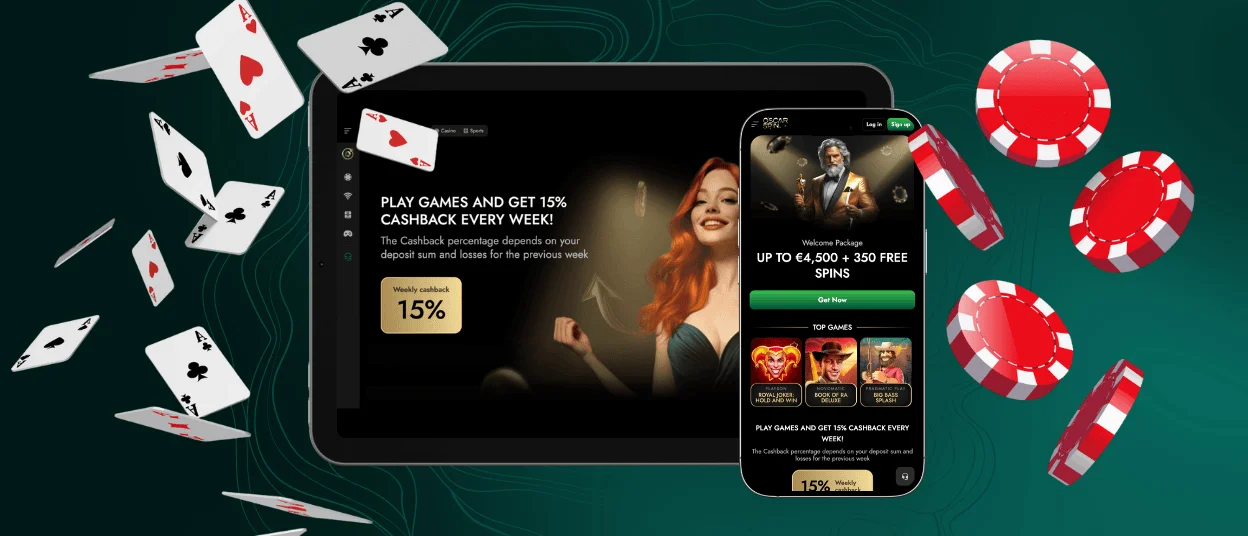
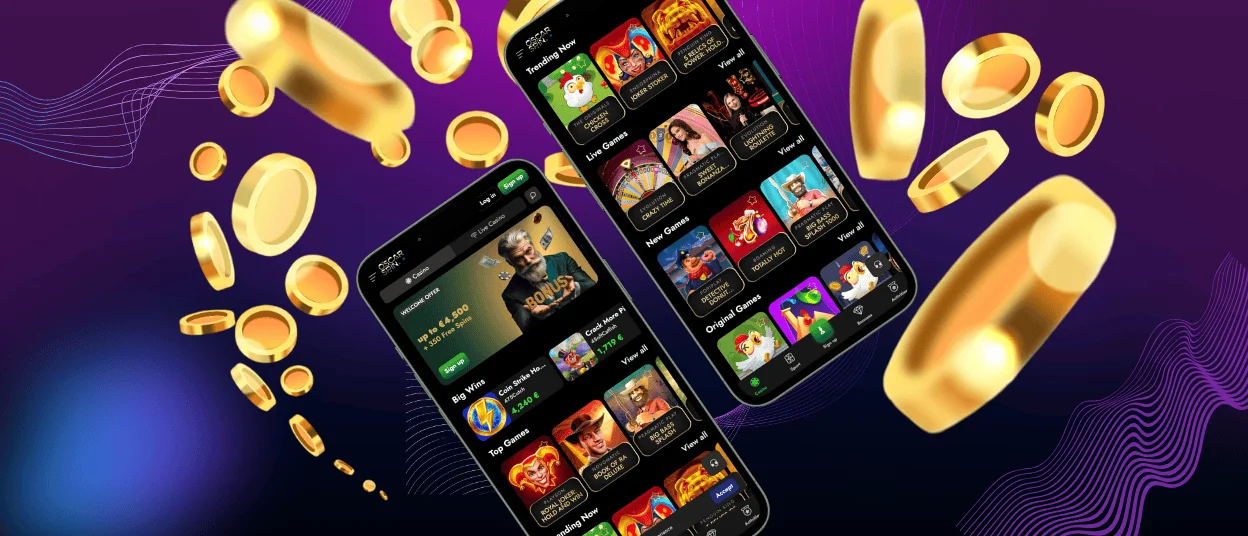
Being constantly on the go is supposed to keep you from playing your favorite online slots, but not anymore. With the Oscarspin app, our players can access our entire game library wherever they go. As long as you have a smartphone or tablet on your person, of course. The app is available for Android and iOS, and even unregistered users can get it.



Mobile Gaming with Oscarspin
The purpose of any app is to make things easier and more convenient for users. An improved gaming experience is one of the main priorities at Oscarspin Casino, so developing an app seemed like a natural choice. After all, smaller devices have long become the most popular choice among users of all kinds, casino players included.
The Oscarspin app morphs the mobile casino experience into its more streamlined version. The first benefit becomes apparent right away: a single click is all it takes to arrive at the main page of our casino. A mobile browser would have you open it, then look for the right tab (if you’ve saved it), or search for our website from scratch by entering our name.
The second benefit reveals itself when you start exploring the Oscar Spin Casino website or begin playing one of the games. The design is tailored for smaller screens in every aspect: interface placement, button and banner size, and the absence of elements that add no value – we’ve made sure it feels as convenient for touch navigation as possible.
You might think that the Oscarspin app shares both pros and cons of all native apps. That is not the case this time. You won’t need to make space on your device to install it or worry about granting access to your camera because the app requires it. The software we’ve developed is a PWA (Progressive Web App), and it is quite different from regular apps.
Oscar Spin PWA
PWA is different from traditional casino apps in several ways. First, it runs using browser capabilities and is installed with the offline cache. Simply speaking, it opens the same web pages the browser would but changes their look and interface to that of an app. You don’t actually install any files, but rather a shortcut to a transformed version of Oscarspin Casino.
Native apps are very demanding in terms of development and support: we can’t use the same version for different operating systems. But since the PWA runs in a browser, we don’t need several dedicated teams to support different versions. That means faster security updates, game additions, and interface changes.
Safety is often a major concern for apps, since their security systems are built from scratch and depend heavily on regular updates. This is not the case for the Oscarspin app: it benefits from browser security models we implement on our main website. That makes our software just as safe as our website, and that’s quite safe for a number of reasons:
| Security Advantage | How It Protects You |
| Sandboxed browser environment | Our app runs in a secure, isolated web space of the chosen browser. This limits the app’s direct access to your device. If some malicious code tries to attack your device, it instead gets trapped in the sandbox and can’t get into your operating system. This safekeeps any files and personal data. |
| No install-file downloads | You don’t need to download any APK or installation files directly on your device. This minimizes the risk of downloading a virus from untrusted sources of files with dubious origins. |
| HTTPS encryption | HTTPS is the pillar of browser security that keeps any data in transit between your device and our servers encrypted. This helps keep your login details, transaction data, and other personal information secure. |
| Automatic updates | If developers locate a vulnerability in the code, they release an update that hopefully fixes it. However, if you don’t install that update, your app remains vulnerable to exploitation. Since PWA updates automatically with every launch, you can rest assured that you always have the latest version installed. |
If you have any questions about the full range of the Oscarspin Casino security tools, you can always contact our Support Team. We work 24/7 to answer any inquiries you may have, including any security concerns. You can get in touch with us using live chat or by emailing our customer support.
Oscarspin for Android
All Android users can get the Oscarspin app directly from our website. There is no need to peruse app stores or download any APK files, especially given we don’t distribute any. You can use any mobile browser you prefer, since this installation method works for the majority of them:
- Tap the “More” icon in the address bar.
- Click “Add to home screen.”
- Click “Add.”
After choosing where to place the Oscar Spin Casino icon, you can finalize your choice and access our website with a single click. The app shares functionality with our website: you can play all the games, claim bonuses, add and withdraw funds, and even submit documents for the verification process.
You will see that many of the Oscarspin Casino games you previously played, if any, feature a different design. That’s because many providers offer several versions of their games depending on the screen size. The new interface is usually more streamlined, with no empty spaces or unnecessary elements present.
Oscarspin for iOS
If you are an iPhone or iPad owner, you can install the Oscar Spin app too, but you need to do it using Safari. Other browsers lack the features required for installing our app when running on iOS. Other than that, the procedure is very similar:
- Tap the Share button (a square with an arrow, the central button).
- Scroll down and select “Add to Home Screen.”
- Confirm by tapping “Add.”
You don’t need to be a registered player to download our app. You can also click on our Casino App banner to revisit the installation instructions for any specific browser. If something doesn’t seem to work, please drop us a line, and we will help you install our app.
Desktop Access to Oscarspin
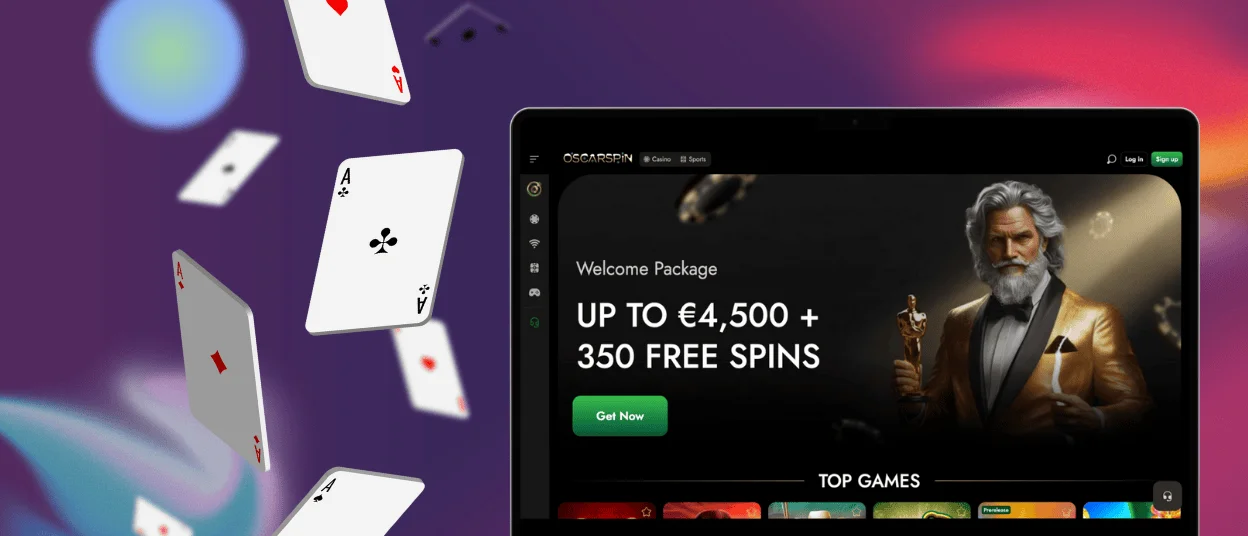
Saying that the Oscarspin app works for all operating systems wasn’t an overstatement. Even if your primary device is a desktop computer, you can get our software as well. If anything, it offers a more focused gaming experience without the numerous distractions of browser play.
On Windows, click the “Install app” icon in the address bar, or use your browser’s “Share” menu to create a shortcut. On macOS, add Oscar Spin Casino to your Dock through “File”, “Add to Dock,” and “Add.”
FAQ
Does the Oscarspin mobile site provide full access to all account features?
Yes, you can adjust your Oscarspin Casino account as you see fit using the mobile app. You can change some of your personal information, view action history, manage your finances, and play games, of course. Our Customer Support is also available for app users.
What is the update process for the Oscarspin mobile application?
There is no procedure for updating our app that you need to worry about. One of the main benefits of the PWA is that every time you launch the app, it automatically uses the latest version available. It is physically impossible to launch an outdated version.
What system specifications are required to run the Oscar Spin app?
The main requirement for our app to work on your mobile device is stable internet access and a modern mobile browser. Your phone also needs to be able to run JavaScript, but most browsers already support it. Storage space is not important: our app requires very little.


